Qwen Image 2.1 Rotate + Outpaint: Straighten, Crop, Open Up the Scene
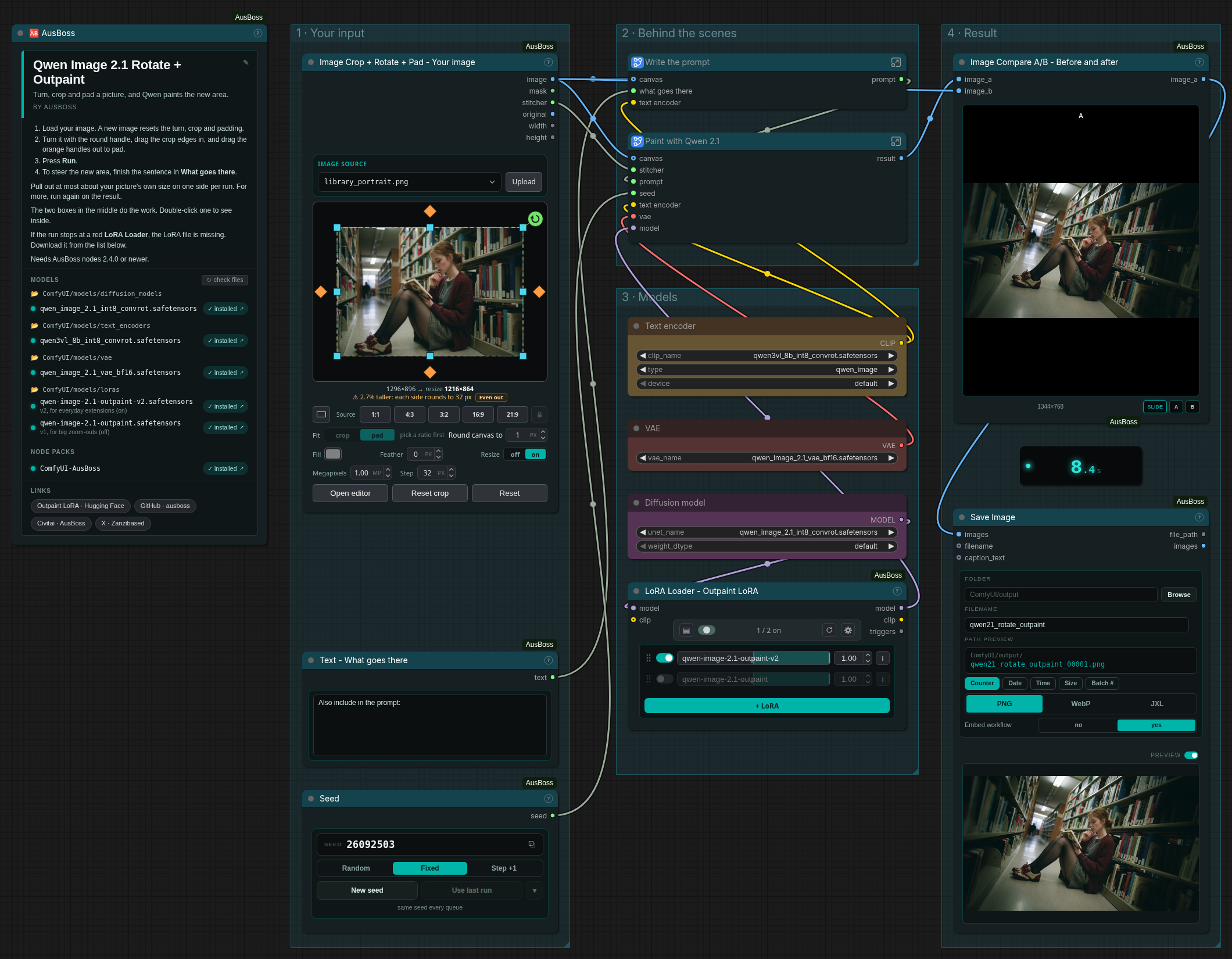
Turn, crop and open up a picture with Qwen Image 2.1 and my outpaint LoRA, in one pass. Straighten or tilt it, cut away what you don't want, and pad the sides out. Qwen paints the new areas, and your kept pixels go back on top untouched. The first run turns the sample mirror selfie by -14.2°, cuts away the mirror frame, and opens the bedroom up on the left, top and right: 864 × 1152 in, 864 × 1216 out, in about 8 seconds on an RTX 5090. What it's for Straighten a crooked photo without losing its corners: the rotation's gray wedges get painted. Cut something away and let it be painted fresh , like the mirror frame in the sample. Re-roll a part you don't like : crop past it, then pad back out. Put a transparent cutout in a scene : its transparent area is painted too. Say which scene in the extra-detail line. What's inside Image Crop + Rotate + Pad : turn the picture with the round handle, drag the crop edges in, and drag the orange handles out. Flat gray (#808080) fill, feather 0, and a 1 MP canvas in steps of 32. Load your picture first: picking a new one resets the tilt, crop and padding. Auto prompt : Text Generate runs the Qwen3-VL 8B encoder that Qwen 2.1 already loads (no extra
- 番号
- RTX-5090
tool、workflow、comfyui、lora、qwen、qwen image 2.1、outpainting、rotate、straighten